Short answer
Most teams searching for a dedicated IP want one of two things. They want their password resets out of a neighbor's bad reputation, or they need a clear answer for a security reviewer. Both are good reasons. Neither one means you should pay for isolation on day one. Our view is that isolation should be a setting you move to on the same API when volume or a review calls for it. It should not be a migration you plan around. Start on a clean shared pool. Move to a dedicated IP or a dedicated server when you have a reason you can name. Do it without rewriting how you send.
On this page
When a dedicated IP is the right move
- Your volume is steady and large enough to keep the IP warm. Mailbox providers trust IPs with a consistent history. If you send every day, that history builds quickly.
- A reviewer asks who else sends through your mail path. Some security and procurement reviews will not accept "other customers' traffic" as an answer for sign-in codes and receipts.
- You want your reputation to reflect only your own sending. If you run clean lists and authenticated domains, a dedicated IP lets that record stand on its own.
- You are a platform sending on behalf of your own customers and want their traffic kept separate from everyone else's.
When it is not
- Your volume is low or comes in bursts. An IP that sends a few hundred emails a week, or goes quiet for days and then spikes, never builds a trusted history. It can deliver worse than a well-run shared pool.
- Your real problem is bounces or complaints. A dedicated IP does not fix a bad list. If a customer keeps sending to addresses that do not exist, the bounce rate follows you to the new IP, and now no pool absorbs it. Clean the list first and suppress hard bounces automatically.
- You are sending marketing from the same account. Isolating the IP does not fix mixing a newsletter with your password resets. Those belong on separate services.
- You are paying for it before anything requires it. If nobody has asked and your shared delivery is fine, the money buys nothing yet.
Before you leave a shared pool, ask who else is on it
Teams usually move to a dedicated IP because the shared pool they were on was dirty. The pool itself was not the problem. The provider let marketing blasts and cold outreach onto the same IPs as other customers' sign-in codes, so the pool's reputation swung with whoever sent the worst campaign that week.
A shared pool restricted to transactional mail behaves very differently. Resets, receipts and alerts are mail recipients asked for and expect, so complaint rates stay low and volume stays steady. Before paying to leave a pool, ask the provider what it allows on it. If the answer includes newsletters or prospecting, isolation is worth more to you. If the answer is transactional only, you may not need to leave yet. Our guide to shared vs dedicated IPs for transactional email goes deeper on the trade-off.
A first week on a dedicated IP
Here is what a move looks like for a product team sending a few hundred thousand resets, receipts and alerts a month after a procurement review asks for isolated sending.
Day 1. Confirm the basics are already right on the shared pool: SPF, DKIM and DMARC pass for the sending domain, and hard bounces are suppressed. A dedicated IP will not mask a broken DNS record. A domain health check covers all of these in one pass.
Day 2. Request the dedicated IP. If the provider runs its own IP space, the new address comes from the same network as your current traffic. It is not a third-party address bolted on.
Days 3 to 7. Warm-up. The new IP carries a growing share of your traffic while the rest stays on the shared pool. Mailbox providers see a new IP sending wanted mail at a steady, rising rate, and they start to trust it. Your highest-engagement mail, such as sign-in codes and resets, is the best traffic to warm with because recipients open it right away.
After warm-up. All traffic moves to the dedicated IP. Your API calls, SDK code and SMTP settings have not changed at any point. Only the infrastructure behind them has.
If any step of that week requires you to swap SDKs, change endpoints or re-template your emails, the provider has made isolation a migration. That is the thing to avoid.
What it costs, worked out per 1,000 emails
The table below uses Groundmail's published plans. The last column divides each plan's monthly price by its included emails. It shows what you pay per 1,000 at full use of the plan, before any overage.
| Plan | Monthly price | Emails included | Effective cost per 1,000 at included volume | Overage per 1,000 |
|---|---|---|---|---|
| Free | $0 | 3,000 (100/day, 1 domain) | $0 | n/a |
| Pro | $20 | 50,000 (10 domains) | $0.40 | $0.90 |
| Scale | $90 | 100,000 (tiers up to 2.5M) | $0.90 | down to $0.46 |
| Dedicated | from $299 | 250,000 | about $1.20 | $0.80 |
The jump to Dedicated is a jump in isolation, not in volume pricing. At 250,000 emails a month, Pro would cost $20 plus 200,000 overage emails at $0.90 per 1,000, or $200. The Dedicated plan costs $299 at that volume. The roughly $99 difference is the price of having your own sending infrastructure. That is worth it when a reviewer or your reputation strategy requires it, and not before. Current figures are on the pricing page.
Where Groundmail fits
Groundmail is a transactional email API and SMTP relay that sends from mail servers and IP space Groundmail owns and operates. Its shared pool is restricted to transactional mail. Marketing and cold email are not allowed on its IPs, which keeps the pool clean for teams that are not ready for isolation.
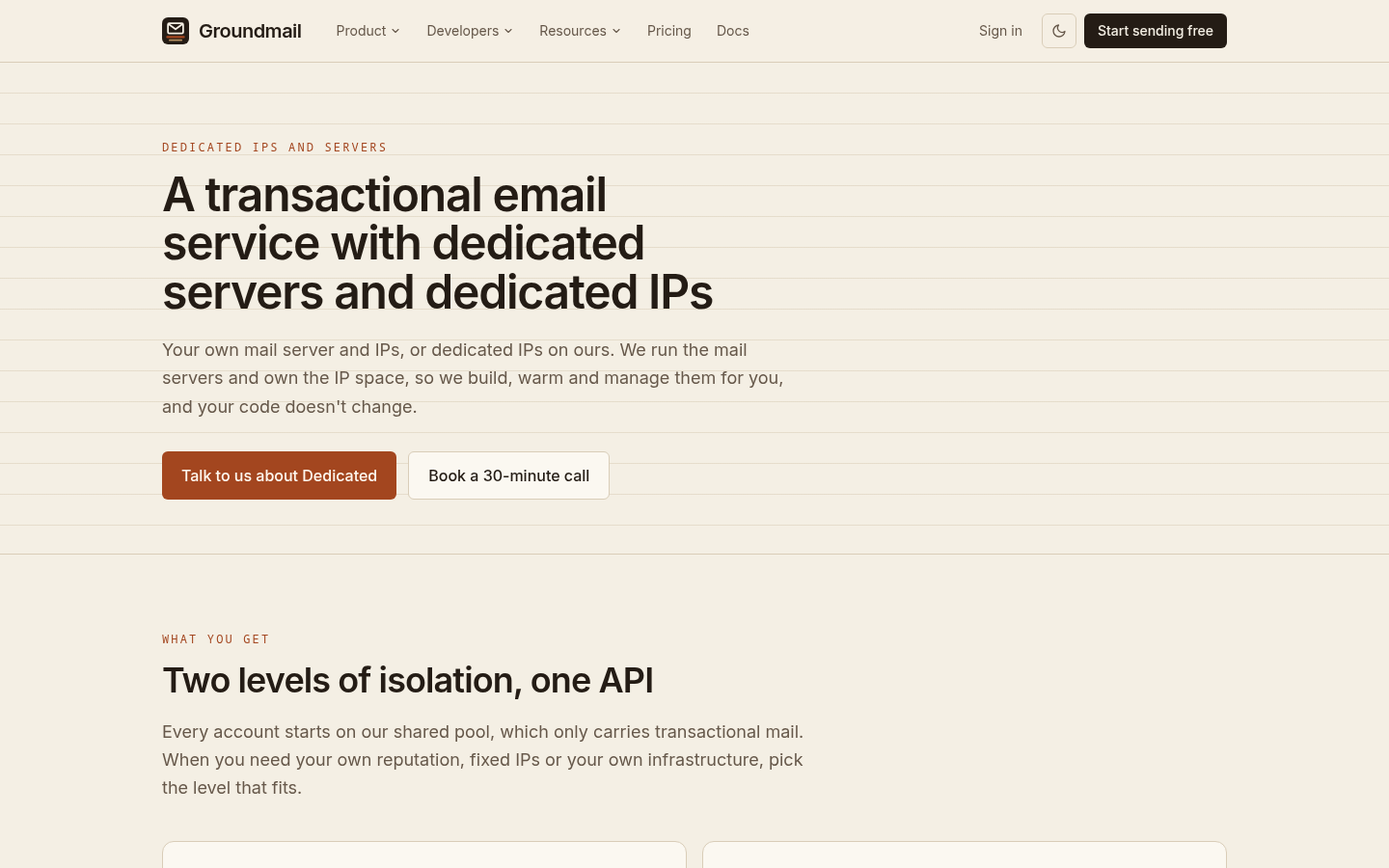
Dedicated IPs and dedicated servers sit behind the same API as the shared pool, including POST /emails, the SMTP relay and the SDKs for Node, Python, Go, PHP and Ruby. Moving to isolation is a plan change, not a rewrite. The same team that runs the servers builds, warms and manages the dedicated IPs. When a reviewer asks who handles your sign-in and receipt mail, you can name one party. The dedicated sending page lists what each option includes.
It is not for newsletters, marketing blasts or cold outreach. If you need those, use a separate service for them and keep your transactional mail apart.
The usual path is to create your free account, send from the shared pool, and request a dedicated IP once your volume or your next security review calls for one.